Transferring music between devices can be a complicated matter. If the media player you use organizes MP3 tracks using tags, you might experience some difficulties. If the tags of your music files are messed up, many of your songs will have their data read incorrectly or not read at all. That is where taghycardia steps in!
Automated metadata management
taghycardia is a free program that resolves faulty metadata in your music folders, making your tracks easily accessible on your mobile devices. There are many different ways you can use this program, and it offers several functionalities.
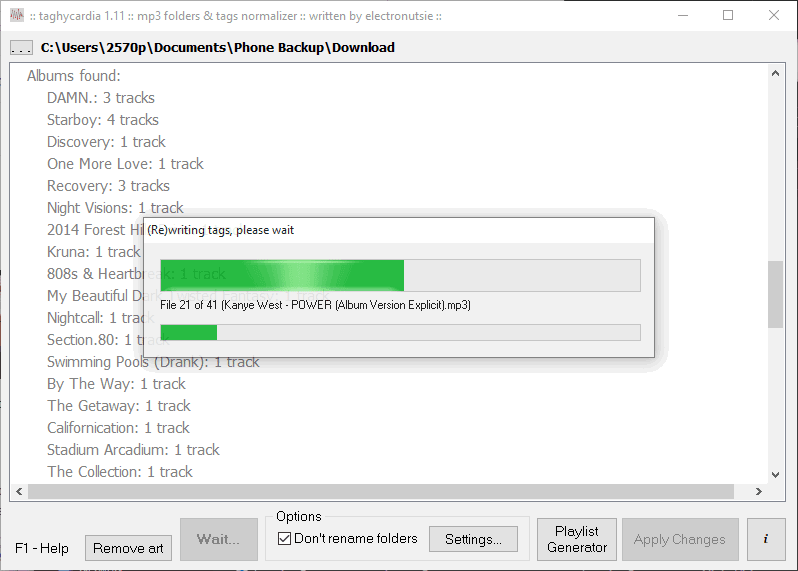
At its core, it fixes broken tags on your MP3 files. This ensures that the metadata correctly matches the artist, album, genre, and other details. It can also be used simply as a diagnostic tool to report everything you should change. Alternatively, taghycardia can automatically fix cover art for all songs in a specific folder.Cover art and embedded lyrics
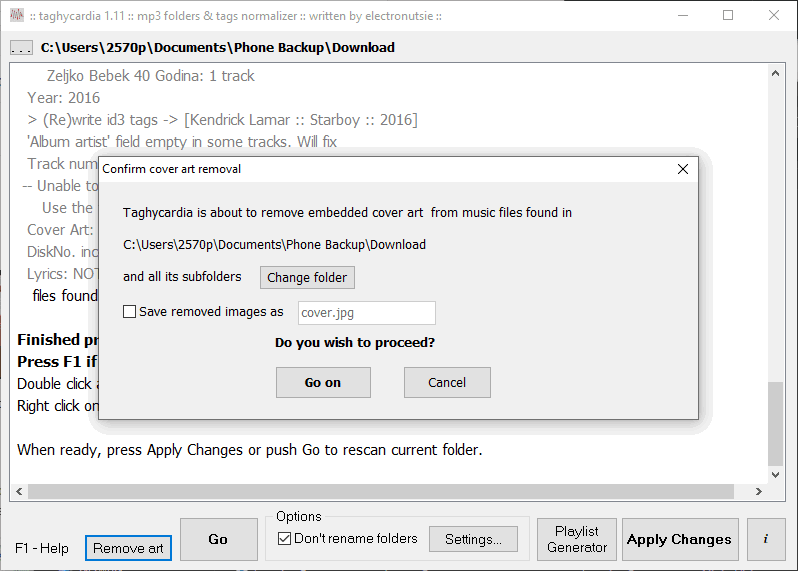
The utility uses both online and offline data to find the proper album cover. Conversely, you can use it to strip MP3 files of embedded images, freeing up space on your device. Lastly, it can automatically download lyrics for your songs and embed them into the file's tags for reading while the song plays.Straightforward folder-based processing
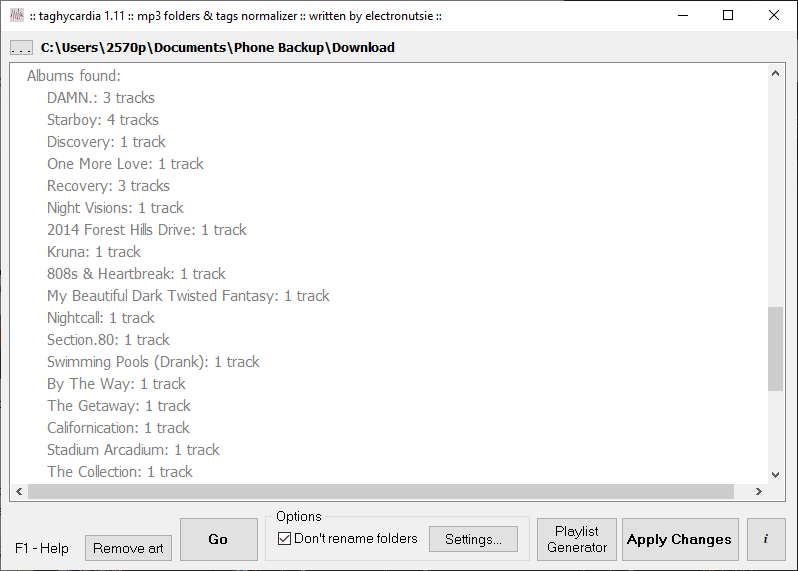
The design of the program is quite simple. First, you choose the root folder of your music collection and press the Go button to process all the songs inside it. There are buttons to remove cover art, generate a playlist, or to Apply the changes you want to implement. You can set up exactly what you want to do in Settings or by interacting with the log on the screen. If you feel confused, their website pretty much covers everything you need to know!